MYLUMINEYES™   /   DIGITAL EYE LAB
THE IRIS COLOR EDITION • 2026

What color are your eyes, really?

A closer look at the blue, green, hazel, amber, brown and gray tones that make your iris unique. Explore your own color pattern with a photo-based visual analyzer.
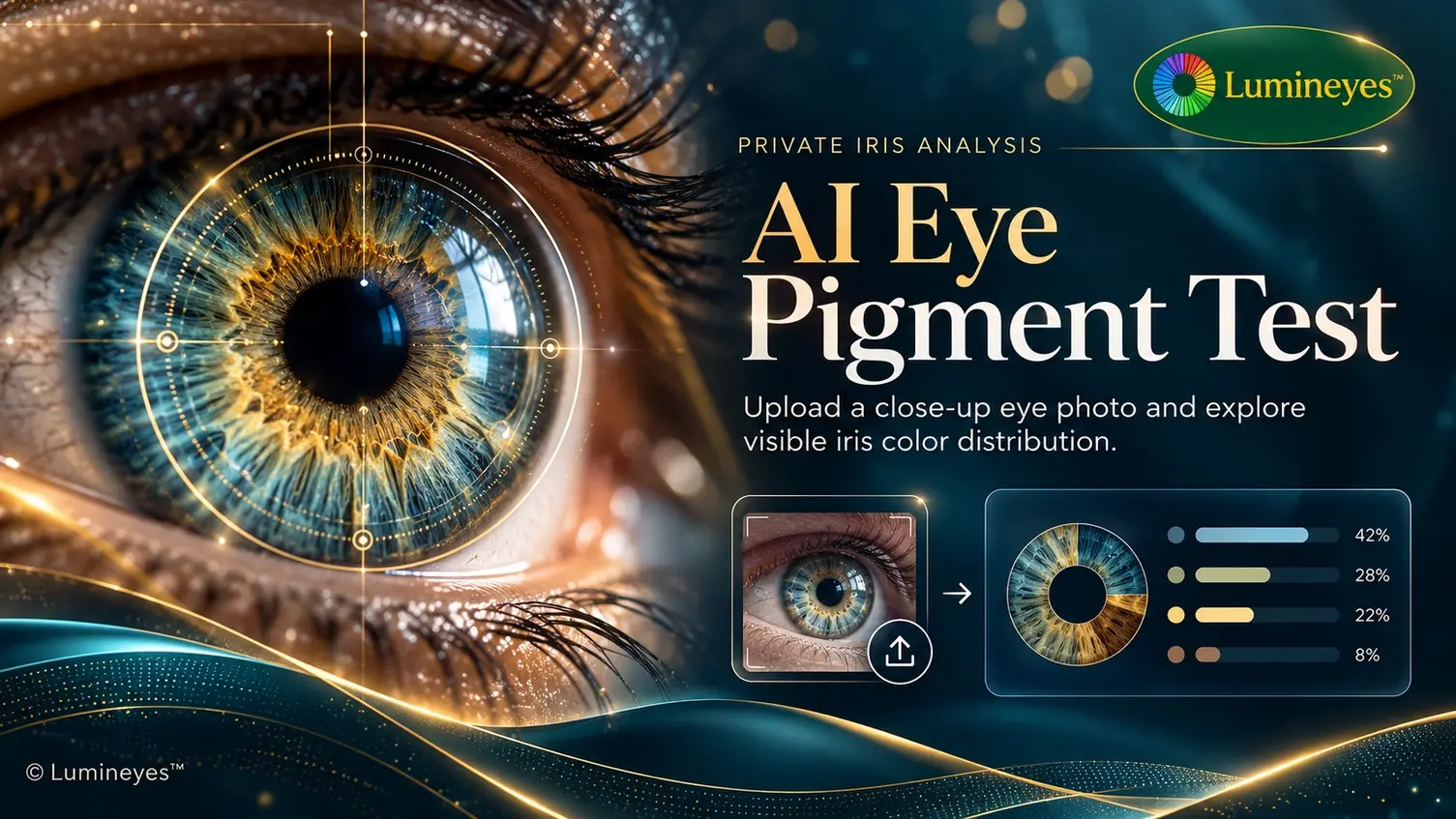
Visual color estimates, not a clinical test. Photography, lighting and camera quality can affect the result.
Lumineyes AI Eye Pigment Test featured illustration showing an iris and photographic color analysis
ISSUE 01   —   THE SCIENCE OF VISIBLE IRIS COLORINTERACTIVE FEATURE ↗
01   /   THE INTERACTIVE LAB

Your iris, under a closer lens.

PHOTO-BASED ESTIMATESON-DEVICE PHOTO OPTIONINSTANT VISUAL RESULTS

Upload a clear, frontal eye photo to explore the visible color balance. Use the same photo button to analyze another image without refreshing the page.

●   INTERACTIVE IRIS ANALYZERTHE COLOR LAB   /   01
PRIVATE IRIS ANALYSIS

AI Eye Pigment Test

Upload a close-up photo of your eyes. Our AI will precisely extract your iris, analyze pure tissue pixels (ignoring skin and shadows), and generate your exact pigment distribution.
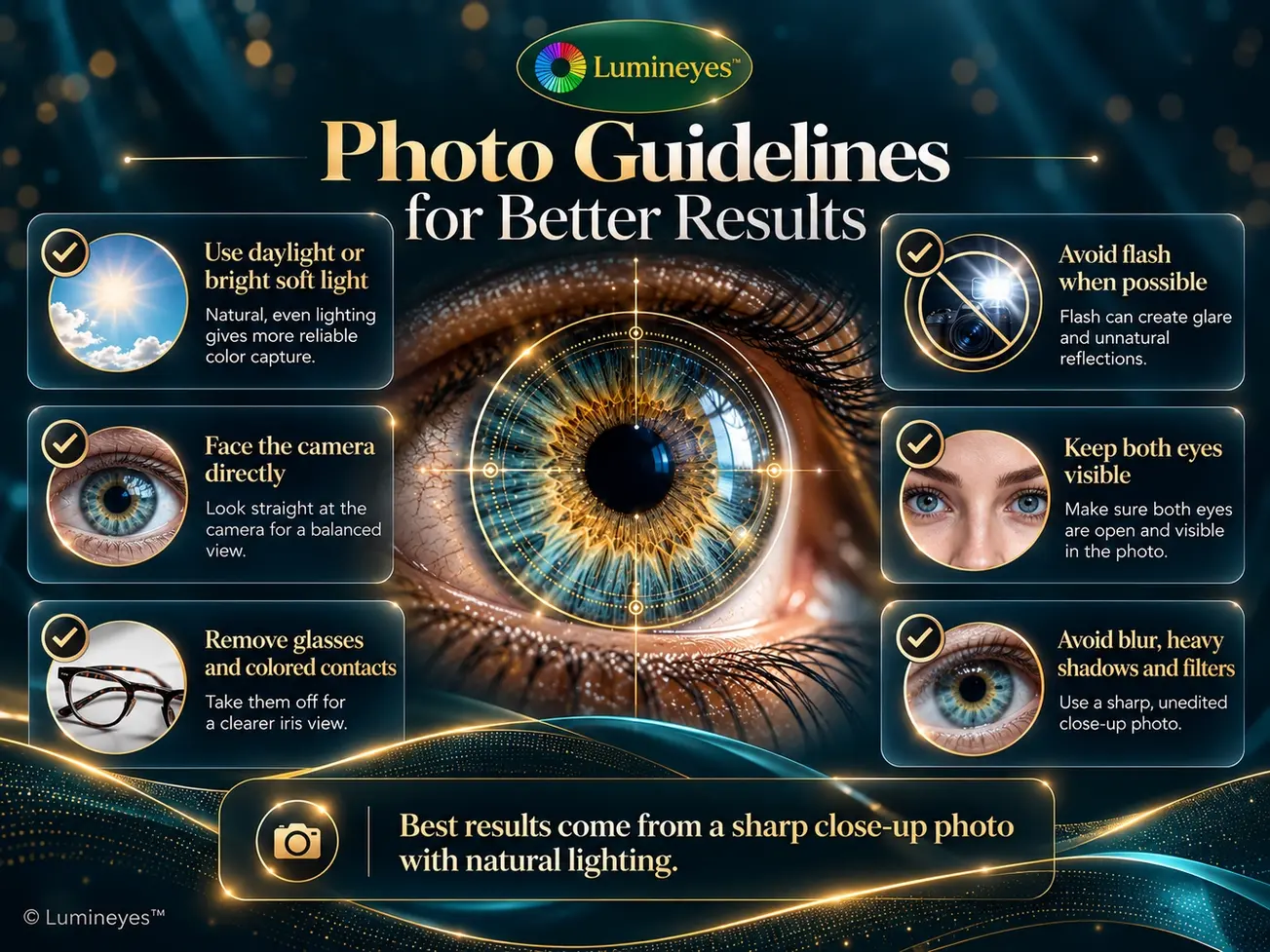
A clear, well-lit front-facing photo yields the most accurate reading.
Lumineyes photo guide explaining natural light, no flash, both eyes visible and clear iris photography
PHOTO EDITION — For consistent color readings, start with an evenly lit image.
02   /   THE PHOTOGRAPHY GUIDE

A better photo. A clearer picture.

Eye color is surprisingly sensitive to illumination. Direct flash, warm indoor lighting and image filters can shift the recorded shade. A clean photograph helps the analyzer work with what you can actually see.

01
Look straight at the cameraKeep your face and both eyes fully visible for the iris detector.
02
Choose even, soft daylightAvoid strong reflections, dramatic shadows and artificial color filters.
03
Keep the photo sharpRemove glasses and colored contact lenses before taking the photo.
03   /   BEHIND THE ANALYSIS

From one photograph to a color story.

The tool identifies the iris region using facial landmarks, examines sampled image pixels and displays an estimated balance of visible colors. The process is based on the image — not a laboratory assay of ocular pigments.

1
UploadProvide a clear frontal eye photograph.
2
DetectLocate the iris region in the photograph.
3
ExploreReview the estimated visible color categories.

The illustrated percentages in the graphic are examples, not measurements of your eyes.
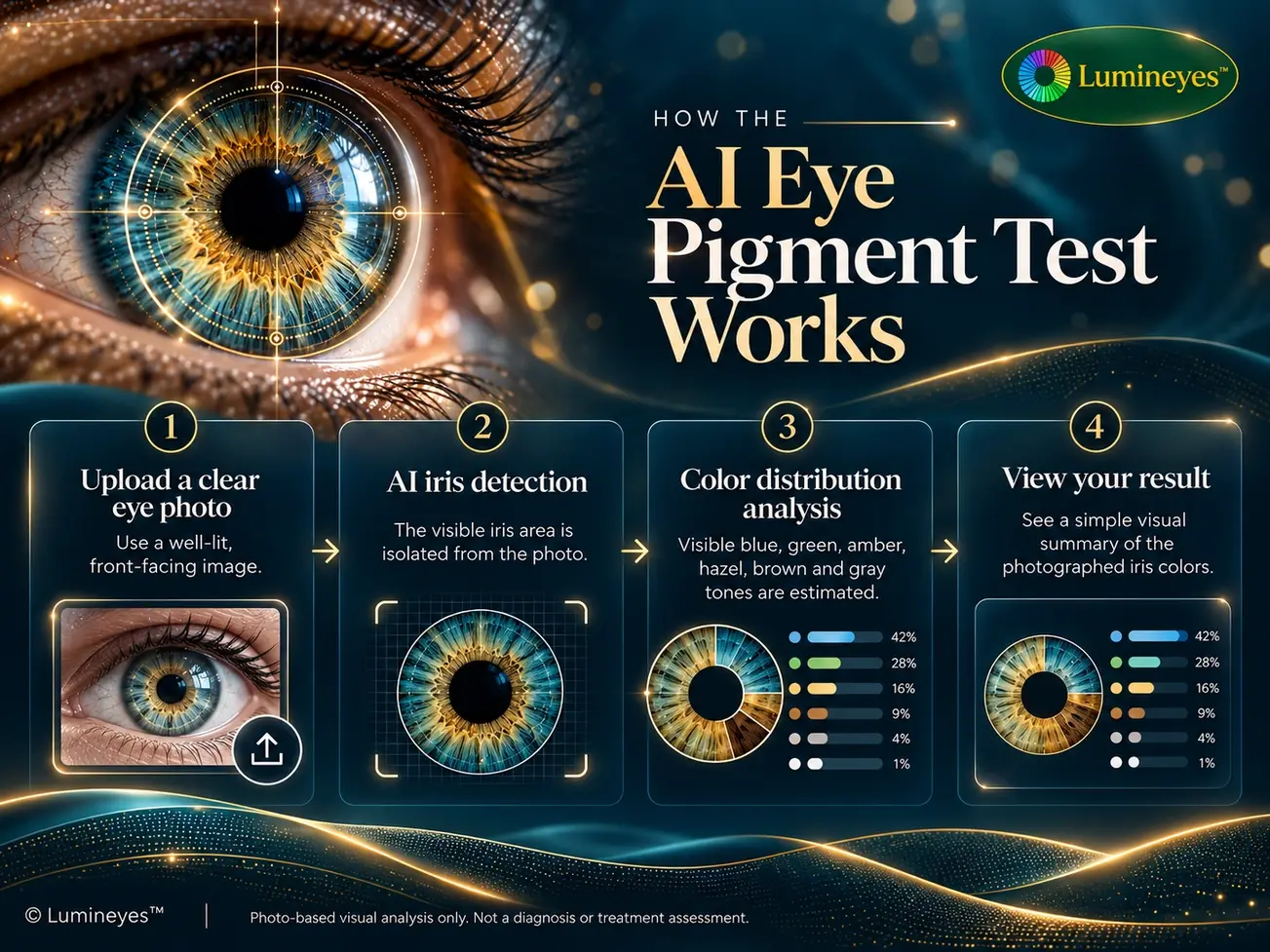
Four-step infographic of the Lumineyes iris analyzer: upload, detect iris, analyze color, view results
METHOD NOTES — A simplified illustration of image-based color classification.
04   /   READING YOUR RESULTS

Every iris tells a different color story.

Blue-gray, green, amber, hazel and brown are often mixed within a single iris. Your analysis shows a photographic estimate — not a precise quantity of melanin or a medical diagnosis.
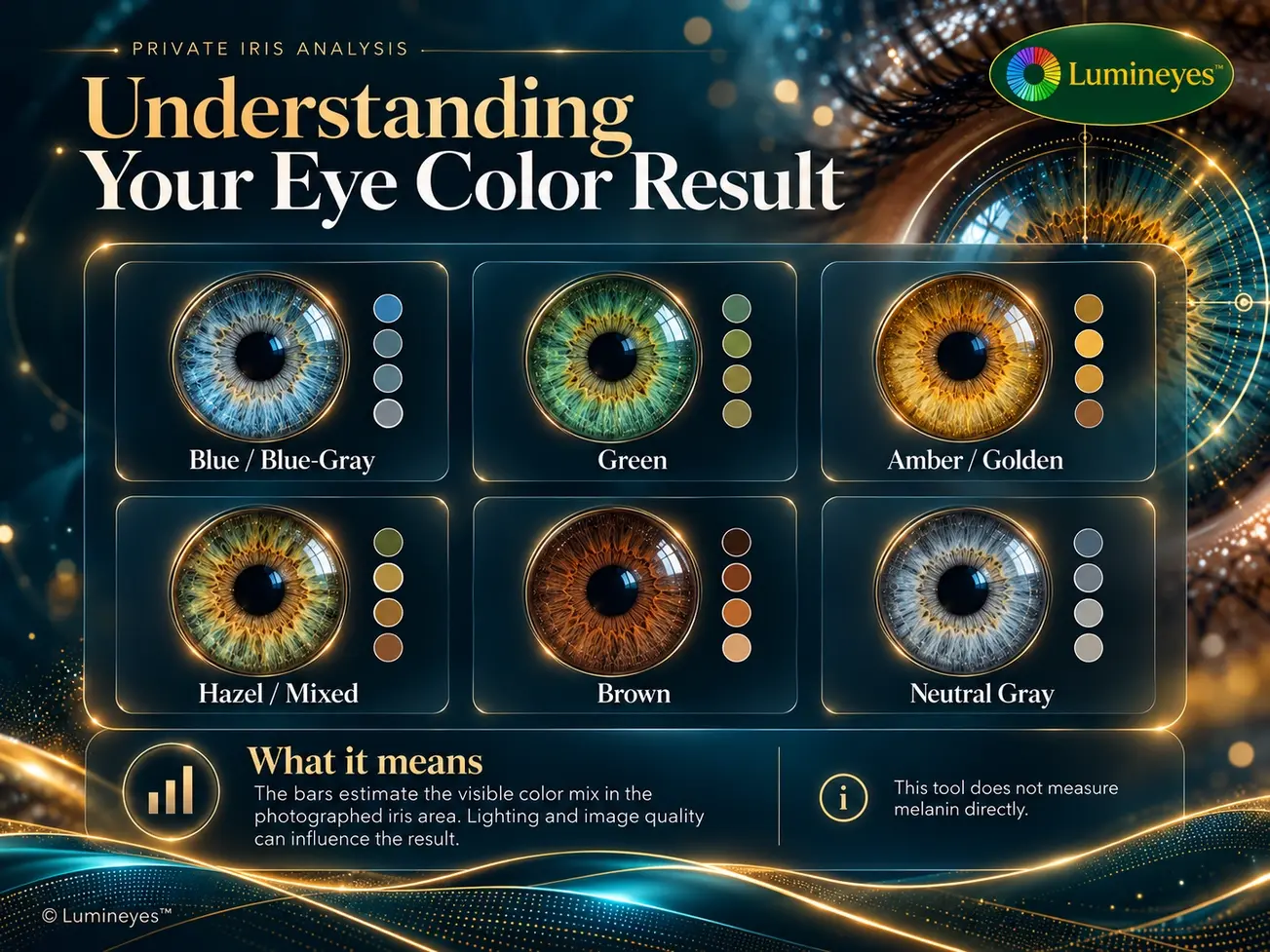
Infographic illustrating blue-gray, green, amber, hazel, brown and neutral gray iris appearances
COLOR ATLAS — Examples of visible iris tones and mixed patterns.
Digital images depend on lighting, exposure, white balance and compression. Result categories are descriptive estimates; they do not establish iris melanin concentration, LIPS grade or eligibility for any medical procedure.
A NEW WAY TO SEE COLOR

Curious how other eye colors might look?

Explore illustrative blue, green, gray and honey tones with the Lumineyes Eye Color Simulator.
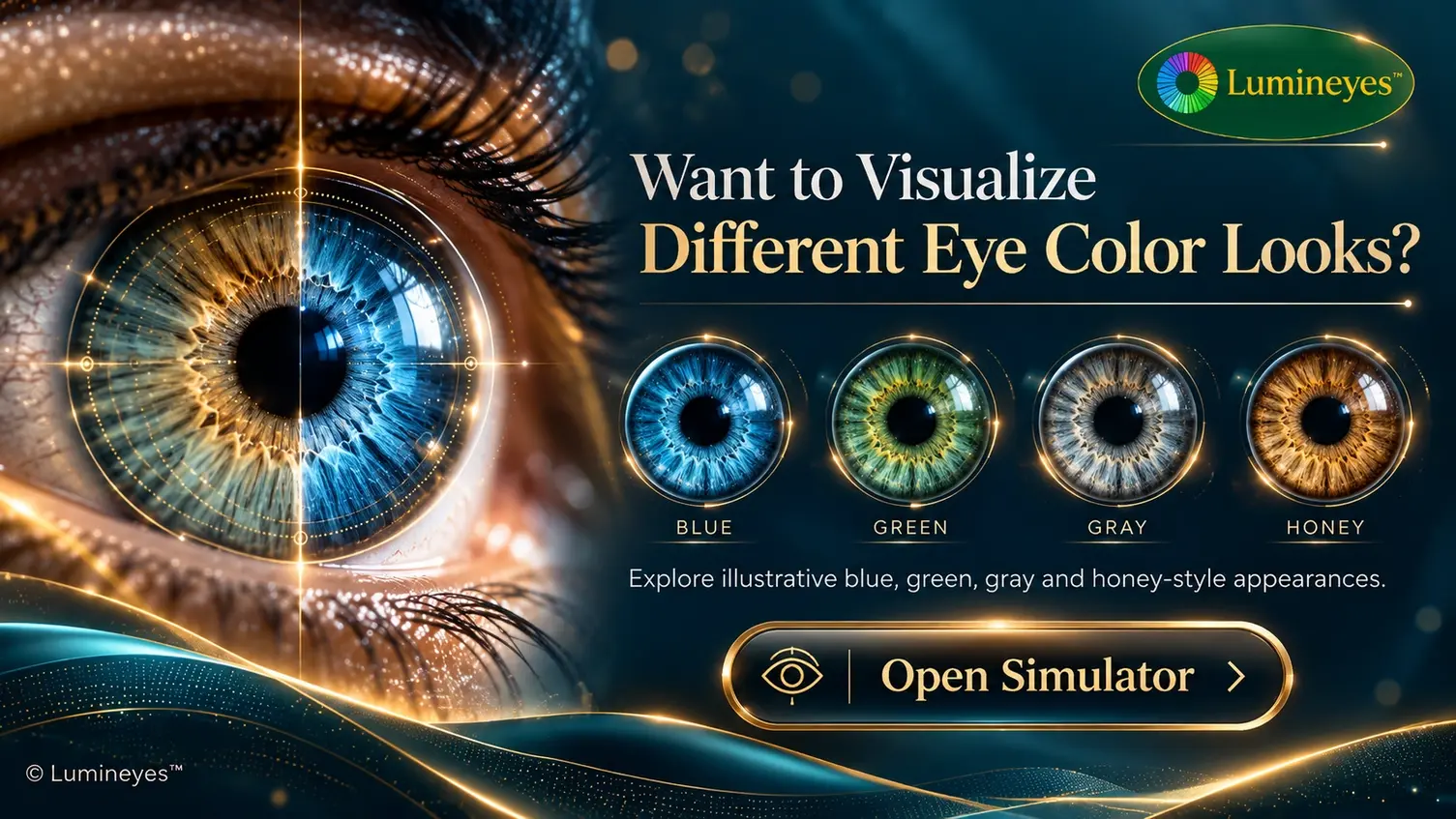
Lumineyes Eye Color Simulator with blue, green, gray and honey iris previews and Open Simulator call to action
Open Eye Color Simulator   ↗Illustrative visualization only — not a prediction of clinical results.
05   /   THE READER'S DESK

Frequently asked questions.

Useful context for interpreting photographs of eye color.

LIGHTPHOTOGRAPHYIRIS COLOR
What does the AI Eye Pigment Test actually measure?

It analyzes the visible color information in a photograph of your iris. The output is a photo-derived color estimate. It does not directly measure melanin or other biochemical pigments.

Why can the same eye show different colors in photos?

Changes in illumination, white balance, reflections, shadows and camera processing may change the recorded appearance. Compare photos made in similar natural light.

Should my photo show both eyes?

Yes. The face-landmark detector works best with a clear, front-facing photograph that includes your face and both eyes. Avoid tight crops that hide important facial reference points.

Can I analyze another photo without refreshing the page?

Yes. After your result appears, use the same photo button to choose a different image without reloading the page. This version does not store photos or results for later restoration.

Is this a clinical examination or procedure suitability test?

No. A photograph cannot determine eye health, treatment eligibility or a validated melanin or LIPS grade. Those questions require clinical evaluation.

Can I preview other eye colors?

Yes. The Eye Color Simulator provides illustrative color visualizations. They are not guaranteed treatment outcomes.

© Lumineyes™   •   Interactive Iris Color GuideEye Color Simulator   ·   Laser Eye Color Change
Lumineyes Lumineyes Assistant ×
Structured clinical guidance • No automated free-text answers
Start Here
Ask a question or choose a topic above.
Explore how Lumineyes works, treatment sessions, results, safety, eligibility, cost, and appointments.